JPG to PES, with the palette your Brother expects.
JPGs carry gradients and compression artifacts no needle can sew. The converter flattens your artwork to solid thread colors, generates underlay, fill and satin, and writes a PES with the color palette embedded, sized to your 4x4 or 5x7 hoop.
A real conversion, not a 12 to 24 hour digitizer queue
Against $10 to $25 per design when you send artwork out
Every machine format plus an operator run sheet, one ZIP
Includes DST, PES, JEF, EXP, VP3, XXX, the preview, and a run sheet with size, stitch count and thread colors in stitch order.
Built for the work on your rack
Left-chest logos, names, cap marks and badges: the everyday jobs that eat a digitizer's day and a shop's margin. Flat, bold artwork is where this shines.
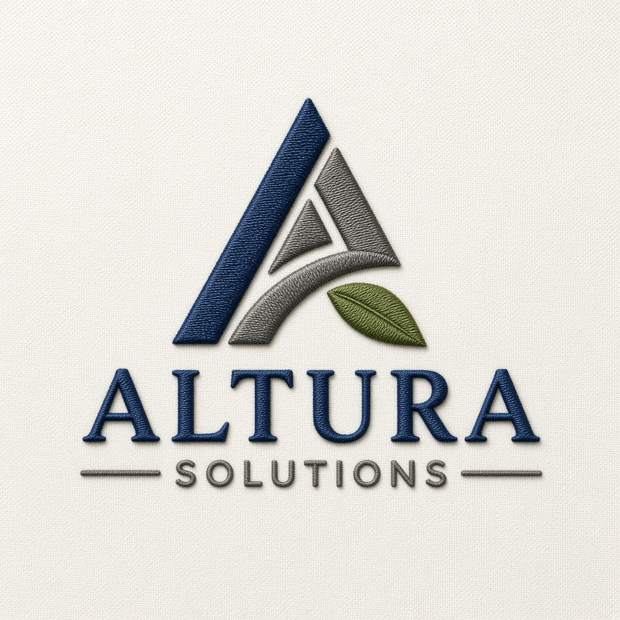 Left chest fit
Logo digitizing
Customer logos at left-chest size, colors matched to real Madeira thread shades, underlay laid first so fills sit flat.
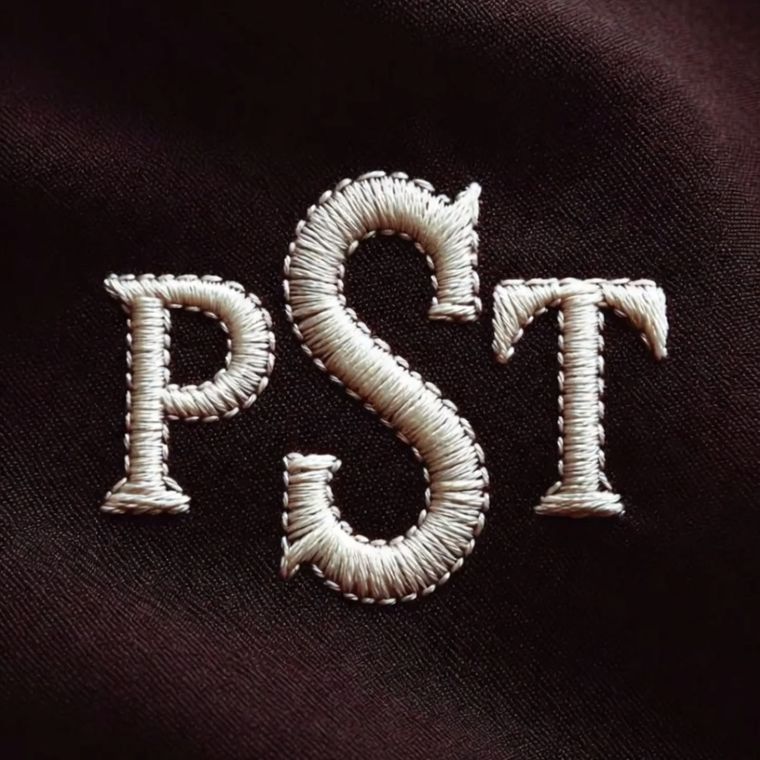 True letter outlines
Monograms & lettering
Names and initials built from real letter outlines, so the holes in an A or an R stay open instead of sewing shut.
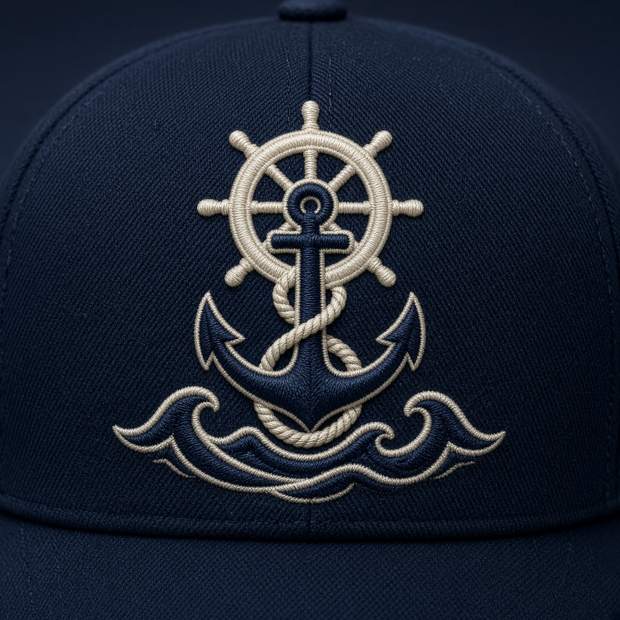 Cap profile included
Caps & chest marks
Bold marks for caps and pockets, with a cap fabric profile that adjusts density and pull compensation for structured fronts.
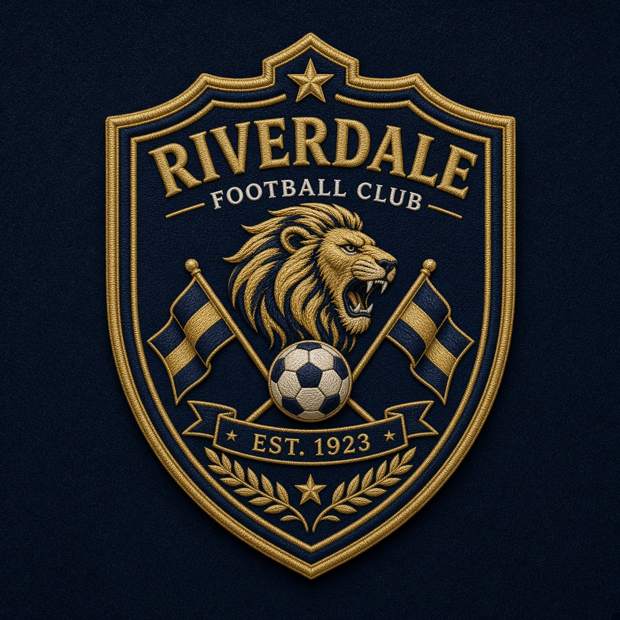 Tatami fills
Team & club badges
Round and shield badges for teams, clubs, work crews and events, with solid fills and satin on the narrow parts.
Artwork in. Embroidery out.
Flat artwork goes in, finished embroidery comes out. Every pair below is the artwork beside its sew-out. Run your own design through the converter above and compare.
How it works
From a customer's logo file to the machine in about a minute, most of it the download.
Upload the artwork
PNG or JPG, then pick the finished width, your hoop, and the fabric the design will run on.
Hoop fit & preflight
The design is fitted to your hoop before stitching, and anything under 5 mm is refused up front instead of failing at the machine.
Stitches generated
Underlay, tatami fill, satin on narrow shapes, and 0.3 mm of pull compensation so circles stay round on your fabric.
Download & run it
Every machine format plus a run sheet in one ZIP. Check the stitch-by-stitch preview, load the file, sew.
ThreadFile vs. sending it out
Service prices from published digitizing packages, checked October 2026.
| Feature | ThreadFile | Human digitizing service |
|---|---|---|
| Turnaround | About 10 seconds | 12 to 24 hours, quoted |
| One simple logo | $9, or free in beta | $10 to $25 per design |
| 20 designs a month | $24 flat, unlimited | $200 to $500 at per-design prices |
| Machine formats | 6 formats in one ZIP | Usually 1 or 2 of your choice |
| Sew-out preview | Stitch-by-stitch, before you run it | Sometimes, on request |
| Too-detailed artwork | Refused up front, with the reason | You find out at the machine |
Honest limits: human digitizers still win on photographs, gradients and very fine detail. That is exactly what the Shop + Cleanup tier below is for.
Pay per design, or go unlimited
Checkout opens shortly. Until it does, conversions above are free during the beta.
Single design
One logo, every format, run sheet included. Cheaper than the cheapest human digitizer, ready before your machine warms up.
- ✓ All 6 machine formats
- ✓ Stitch preview + run sheet
- ✓ Hoop fit + 5mm preflight
Shop
Unlimited conversions for one shop. Two outsourced designs a month cost more than this.
- ✓ Unlimited conversions
- ✓ All 6 machine formats
- ✓ Every fabric profile
- ✓ Stitch preview + run sheets
Shop + Cleanup
Unlimited conversions, plus three designs a month hand-checked and cleaned up by a human digitizer.
- ✓ Everything in Shop
- ✓ 3 human-cleaned designs / mo
- ✓ For the logos automation should not touch
Questions, answered straight
Why flatten my JPG first?
A JPG photograph or gradient logo may hold thousands of colors; an embroidery design holds a handful. The converter reduces artwork to at most nine solid colors matched to Madeira thread shades, so what you preview is what the machine can actually sew.
Does the PES file include thread colors?
Yes. Unlike DST, PES stores the color palette, so your Brother or Baby Lock shows the right color sequence on screen. The run sheet in the ZIP lists the same order for whoever runs the machine.
My JPG is a screenshot of a logo. Will it work?
Usually, if the logo itself is flat and bold. Screenshots add blurry edges and background clutter, which flatten less cleanly. A clean JPG or PNG of the artwork on a plain background gives the best result.
Ready to stop waiting 24 hours for stitch files?
Drop your customer's logo into ThreadFile right now, free during the beta. In about ten seconds you will have the file, the preview, and the run sheet.
cloud_uploadConvert a design — free